Cyclonis World Time's Uninstall Instructions
Before we guide you through the uninstall process, if you have a question, you can find many answers in our FAQ and Help File. For product or technical information and questions, please visit our Support page.
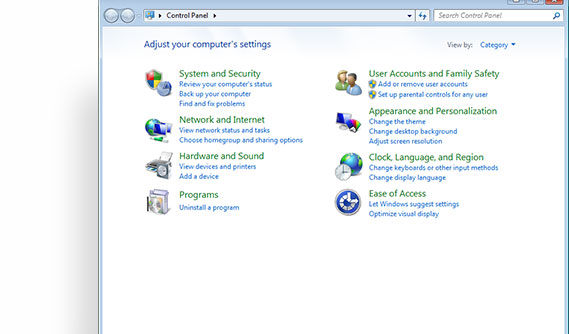 Locate and open the Control Panel.
 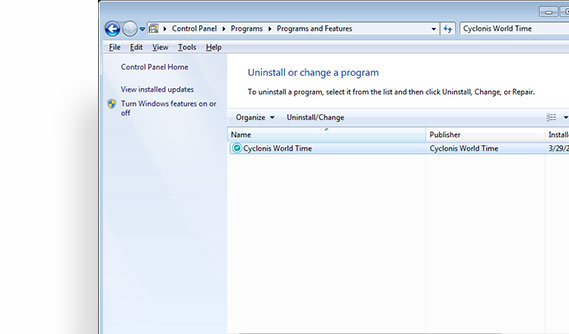 Select Cyclonis World Time from the list and click on the Uninstall button.
 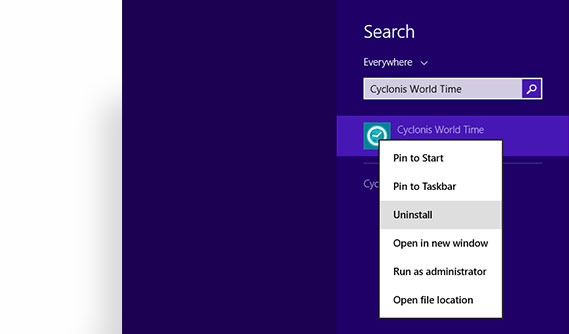 Right-click on the Cyclonis World Time icon and select Uninstall.
 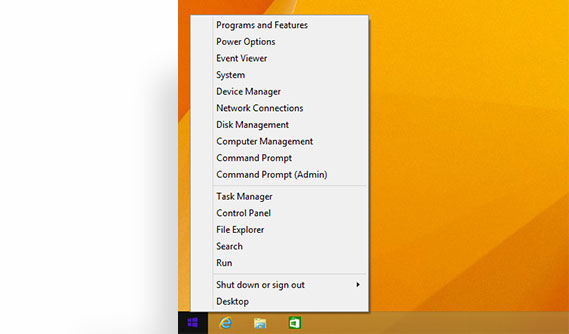 Select Control Panel.
 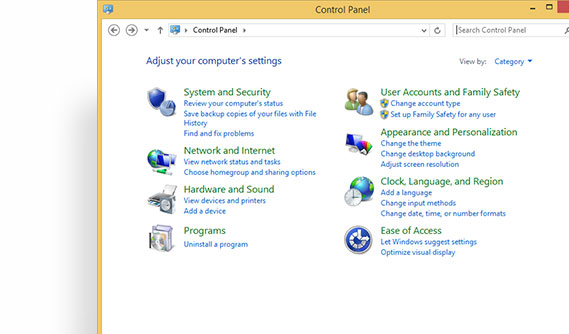 Click Programs and Features.
 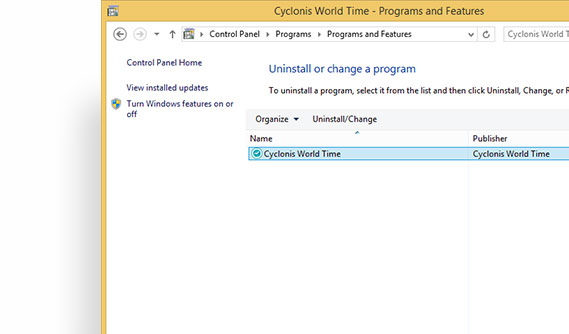 Double-click on Cyclonis World Time.
 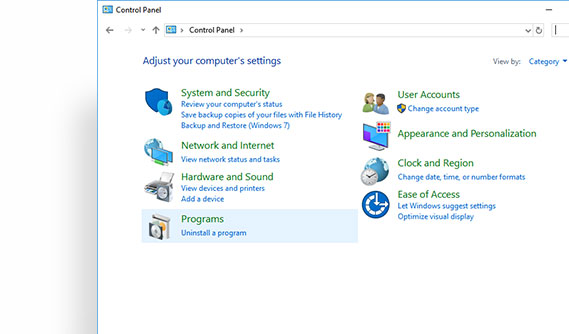 Under the Programs section, you'll see Uninstall a Program. Click on it.
 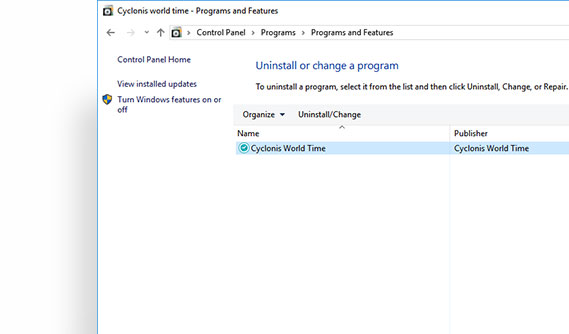 Select Cyclonis World Time from the list and click on the Uninstall button.
 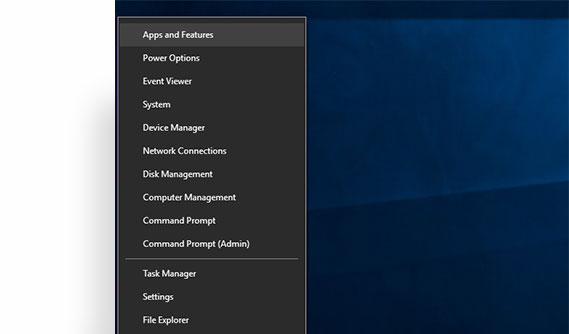 Choose Apps and Features.
 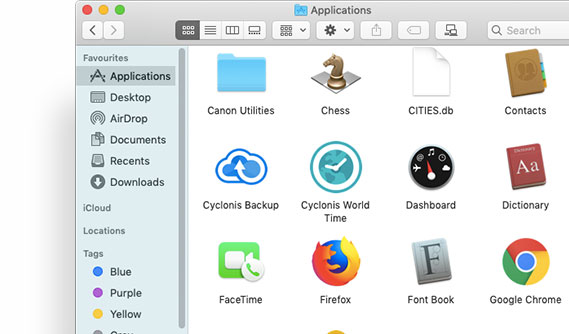 Open a Finder window and choose Applications from the sidebar.
 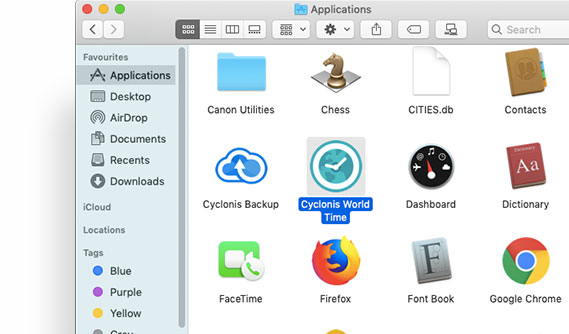 Locate Cyclonis World Time.
 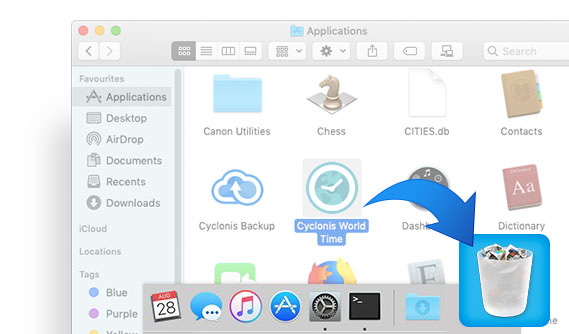 Drag the Cyclonis World Time application to the Trash
(located in the Dock). If you change your mind, you can restore the
Cyclonis World Time application using the File > Put Back
function. For permanent deletion, you can simply empty the trash.
Drag the Cyclonis World Time application to the Trash
(located in the Dock). If you change your mind, you can restore the
Cyclonis World Time application using the File > Put Back
function. For permanent deletion, you can simply empty the trash.